 Heirloom & Co.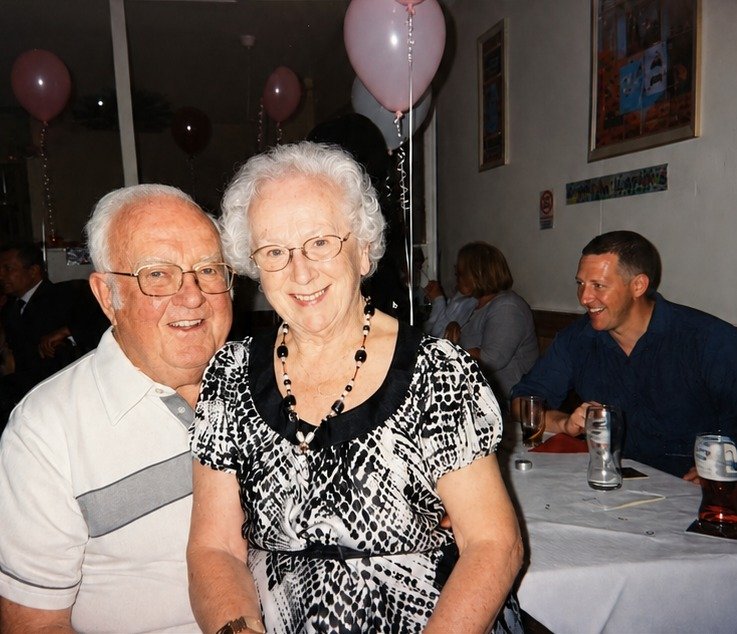
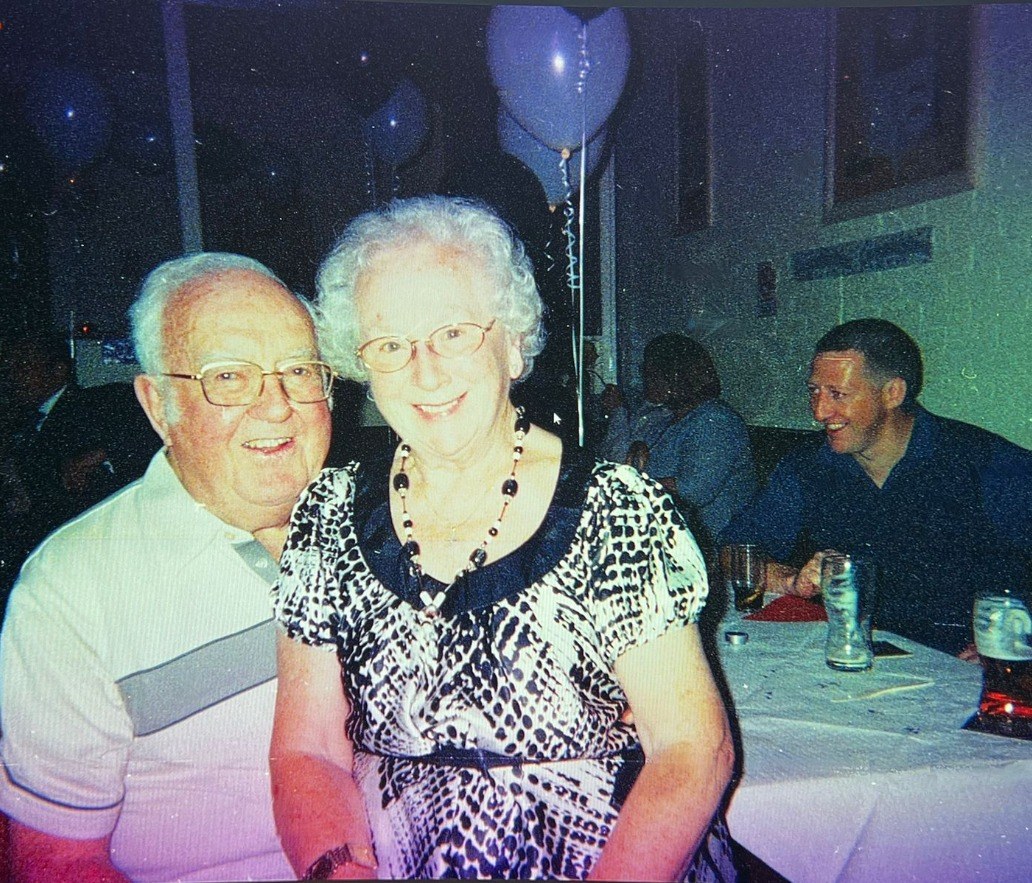
The last photograph together
"This is the last photograph we have of my aunt and uncle together. Being able to see them clearly again means more than I can say."Family customer
Family photograph restoration · United Kingdom
Restore faded, damaged and black-and-white family photographs in beautiful detail — carefully, by hand, and checked by a person before it comes back to you.
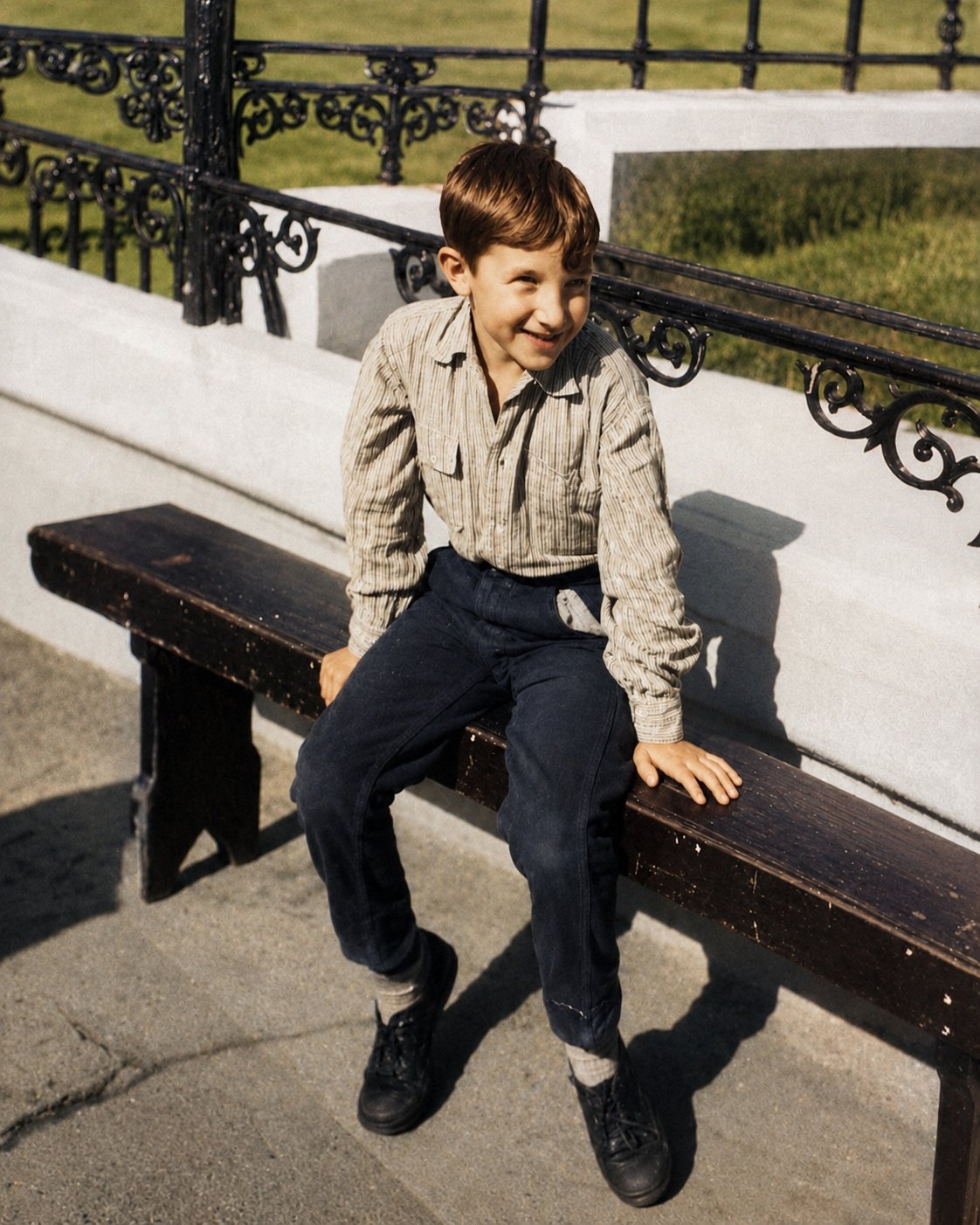
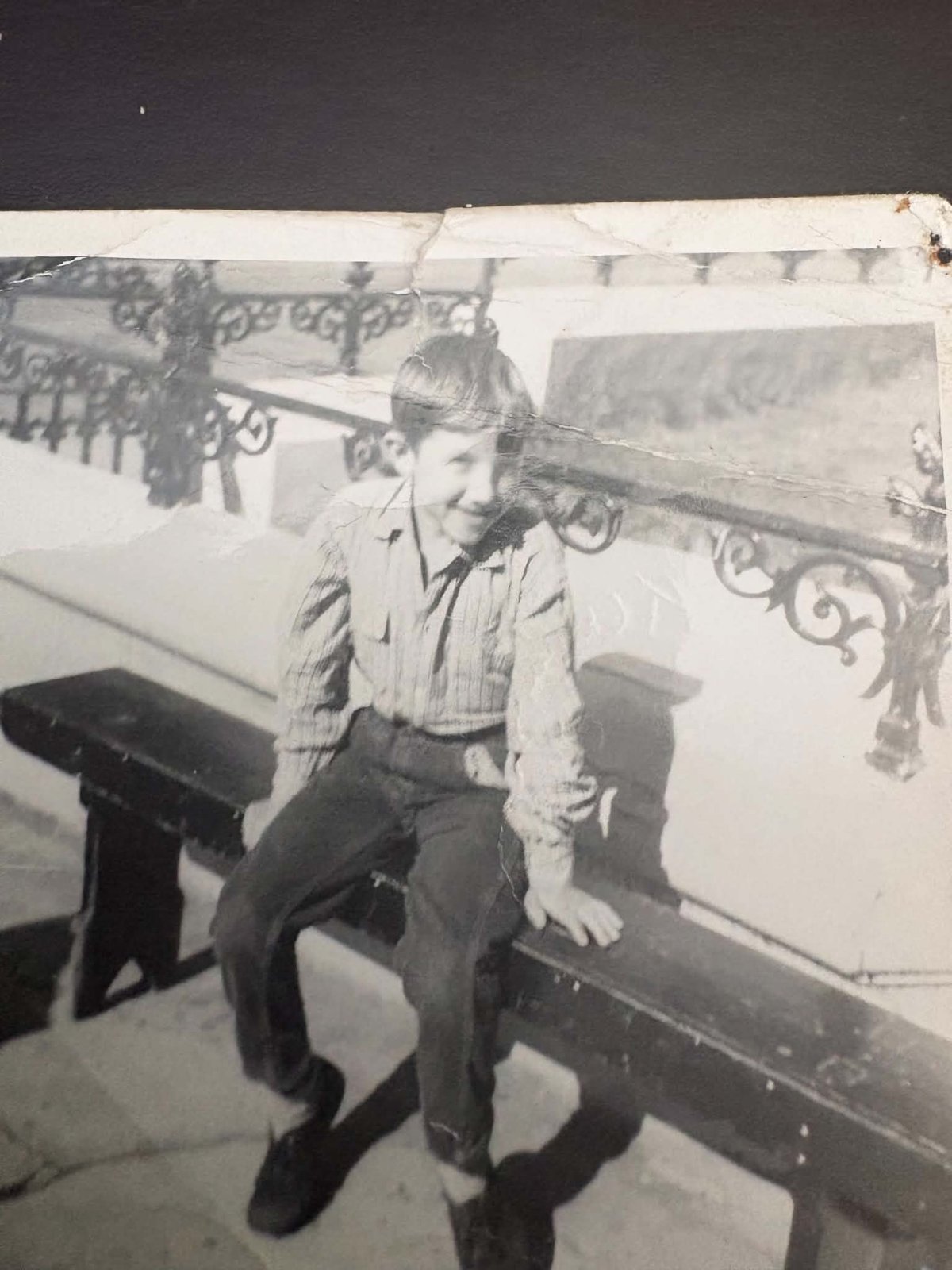
Dad, aged six. Drag to see the restoration →
How it works
No software to learn, no accounts to manage. If you can send a text message, you can do this.
Upload scans, or simply take a photo of your old photograph with your phone.
We carefully enhance, repair and optionally colourise your photographs.
Receive high-resolution versions ready to download, print and share with your family.
Before & after
Drag any photograph below to see the restoration.
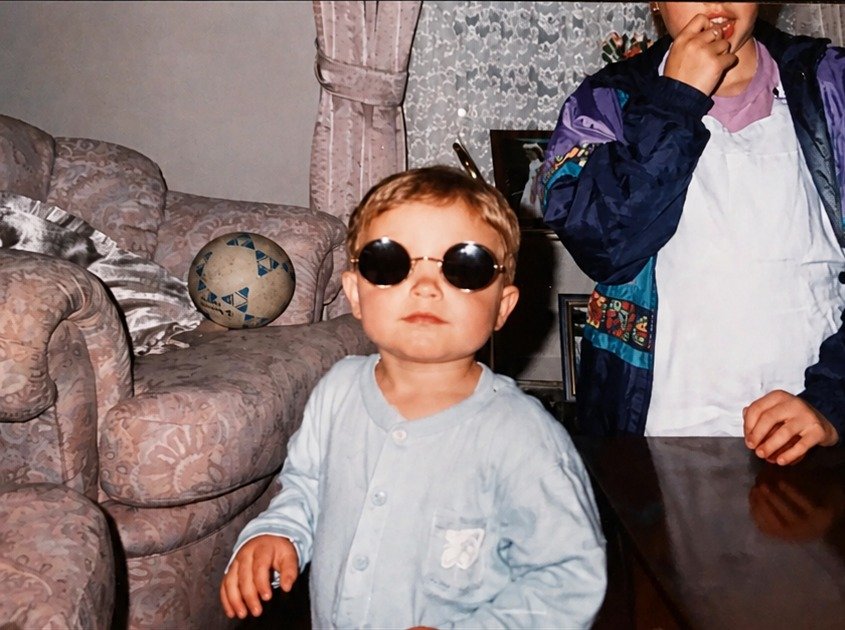
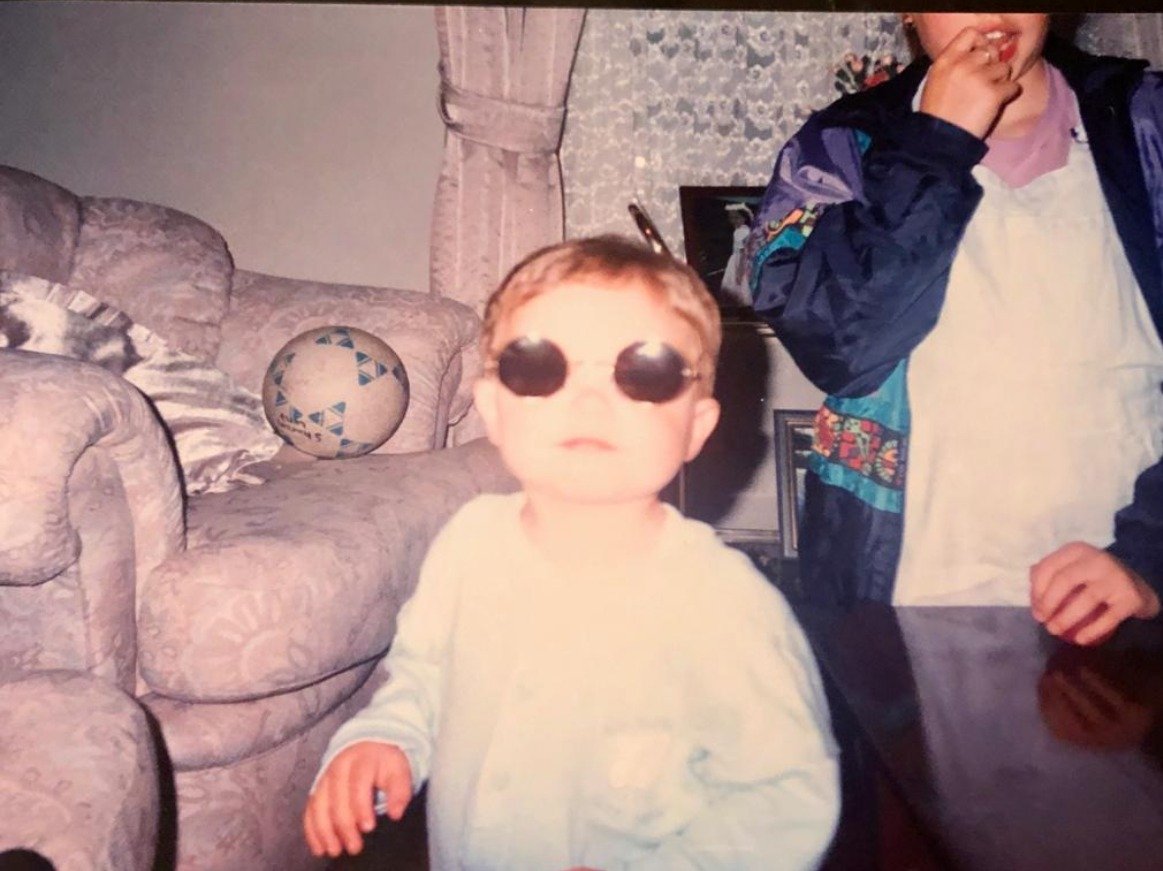
Baby Callum in his sister's sunglasses, c. 1993 — faded → enhanced
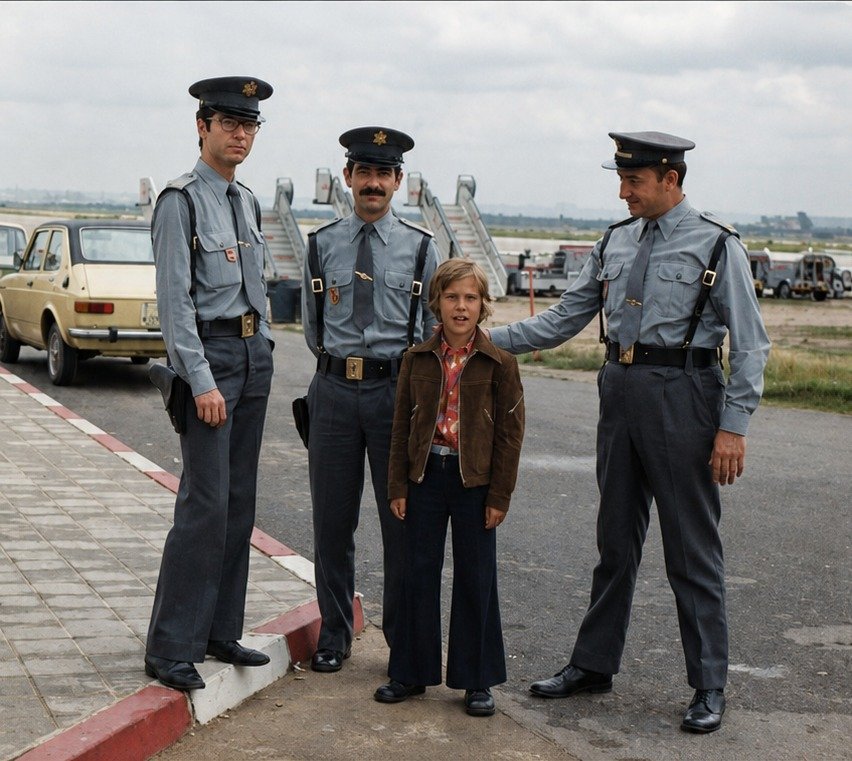
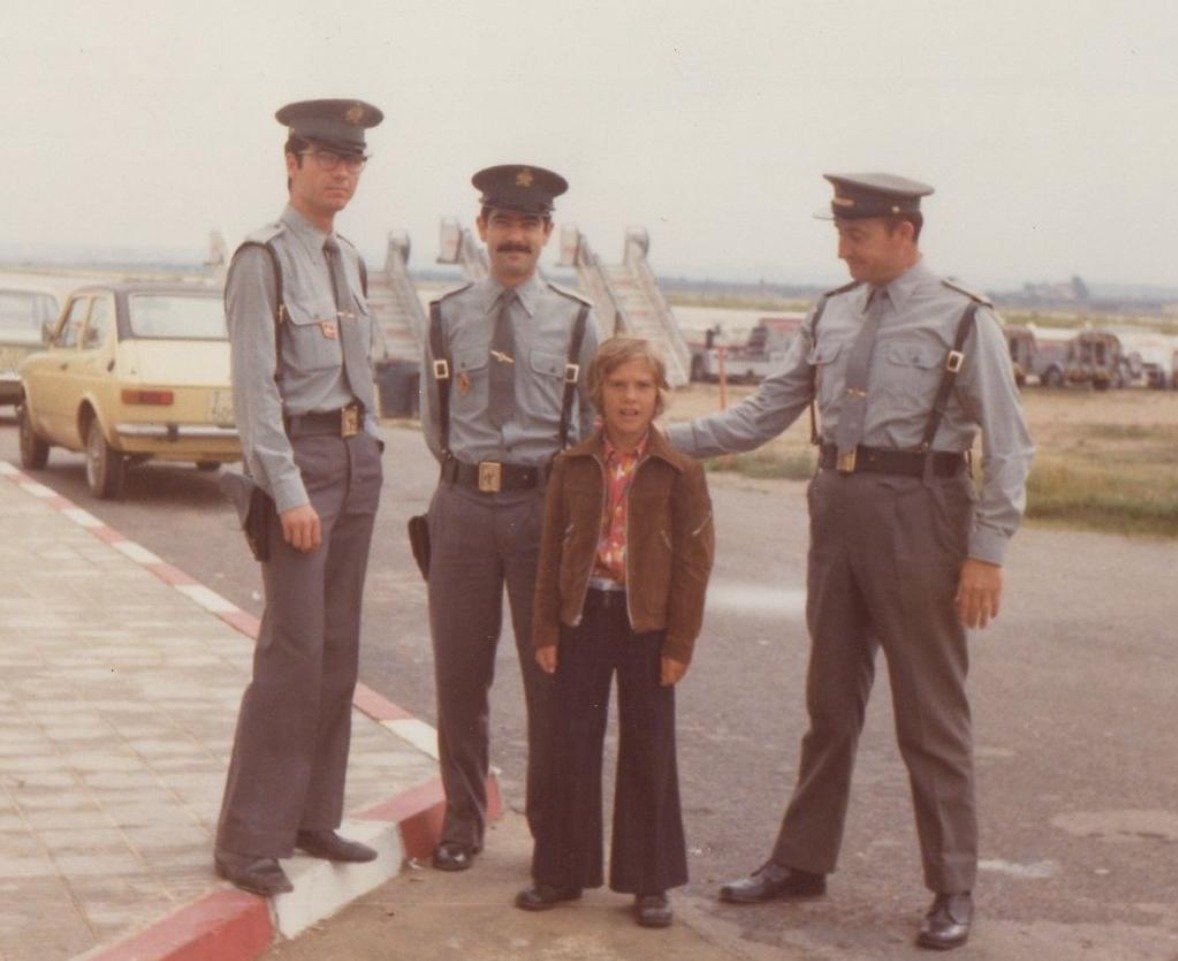
Uncle Pete on the runway, Spain 1976 — faded → enhanced
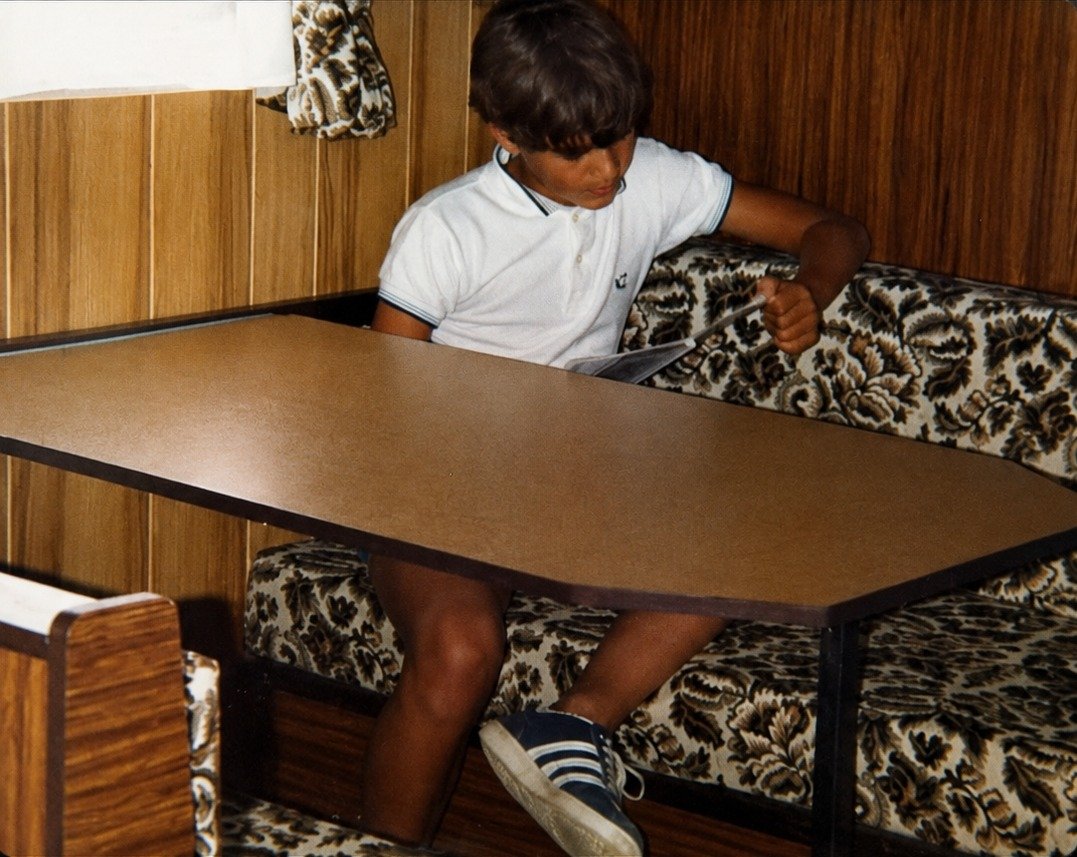
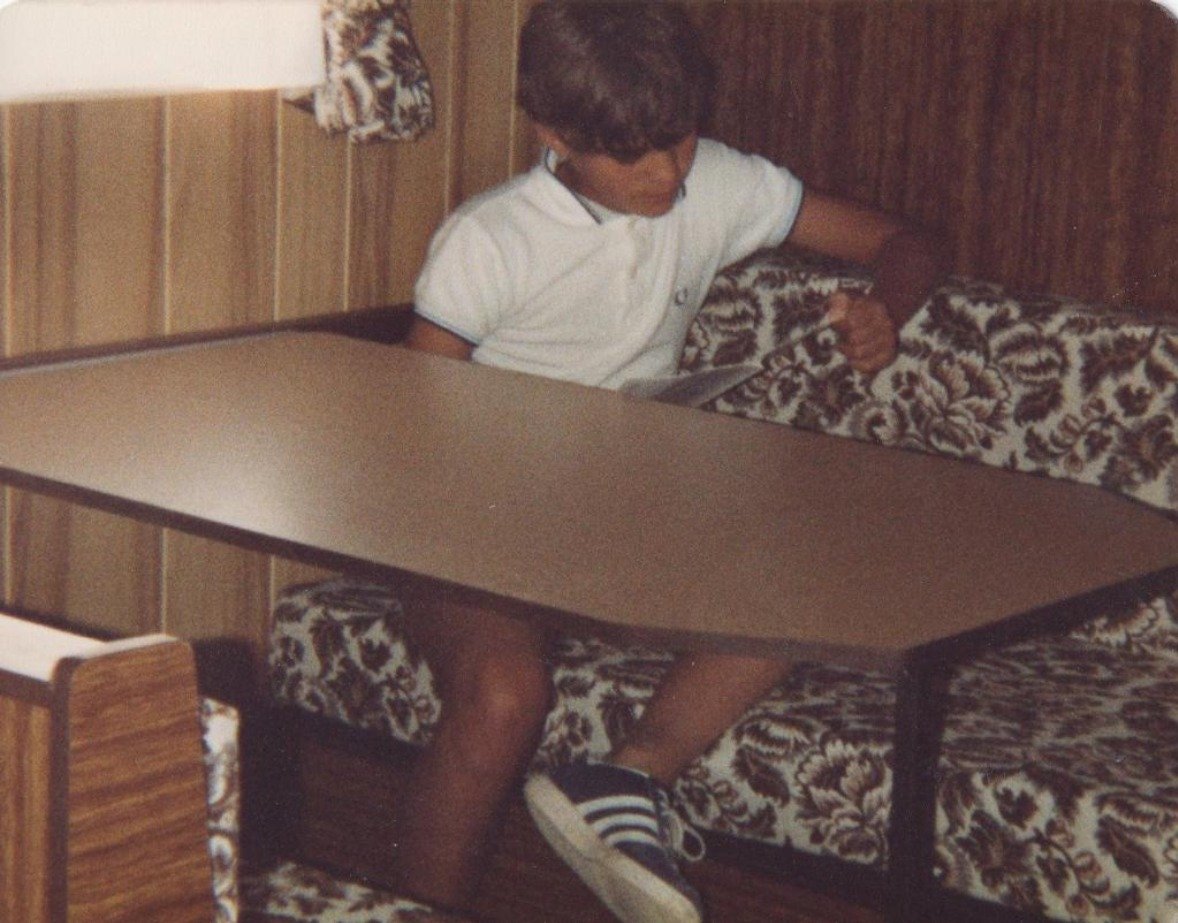
Caravan holiday, c. 1983 — faded → enhanced
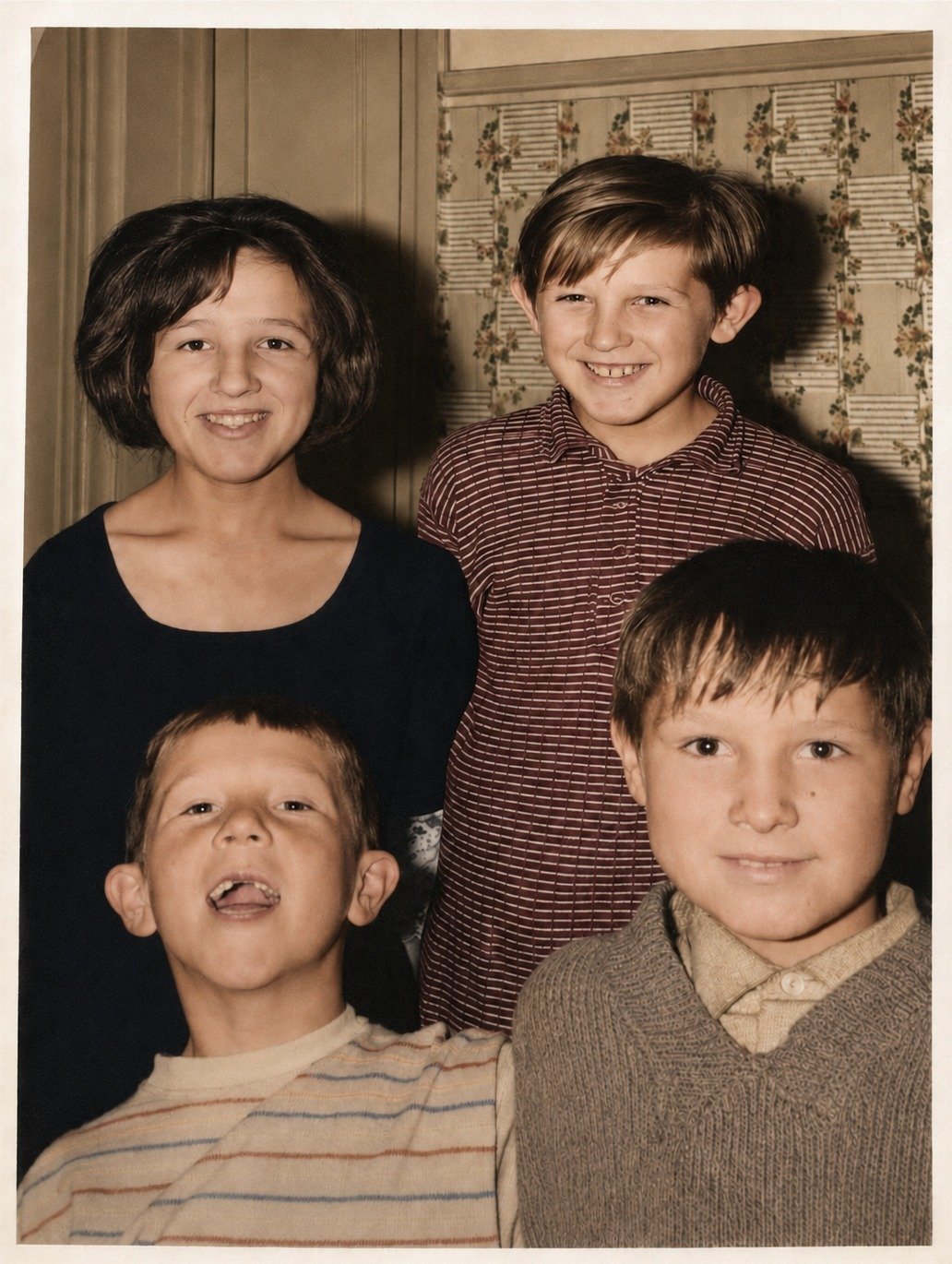
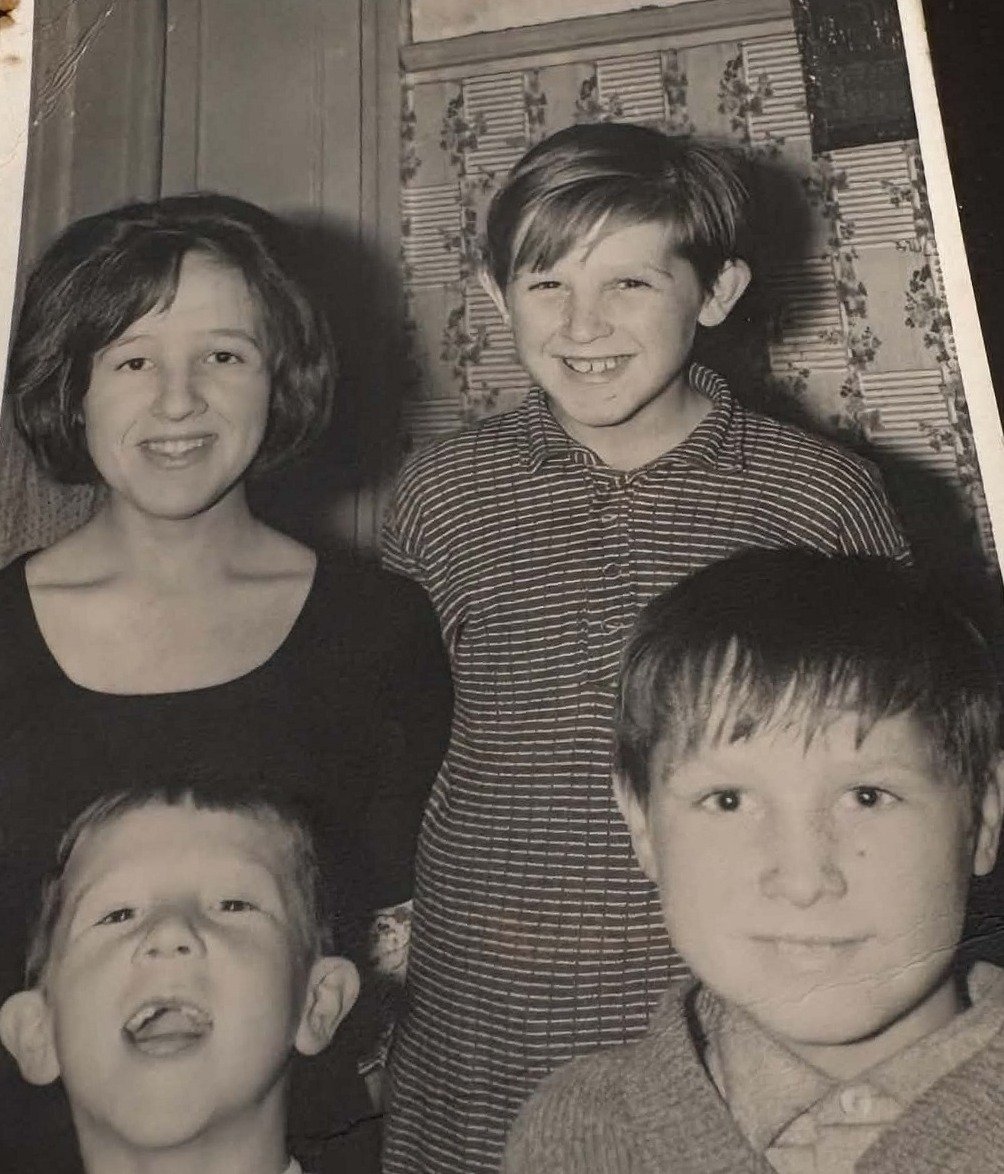
Four siblings, c. 1968 — black & white → colour
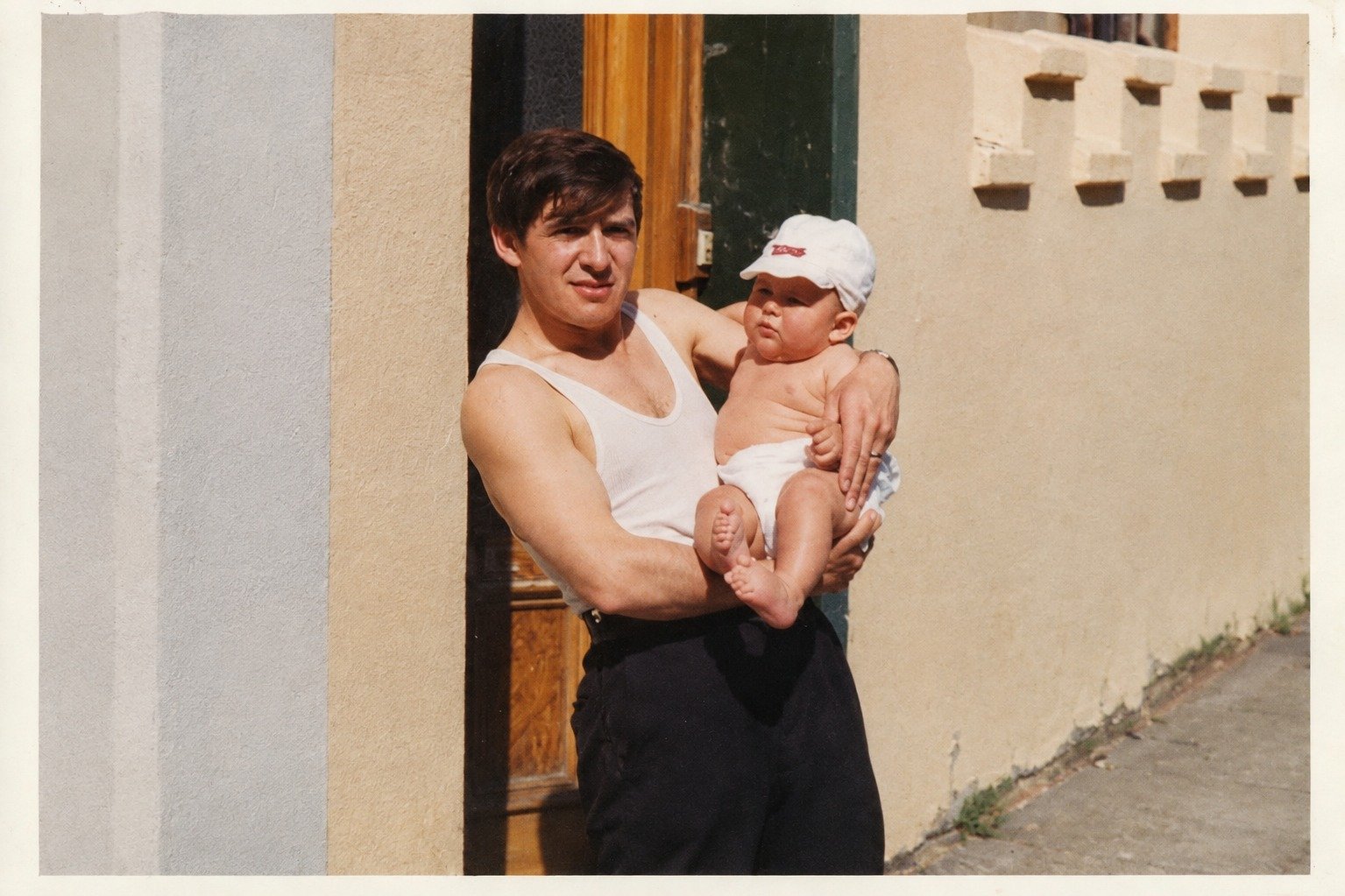
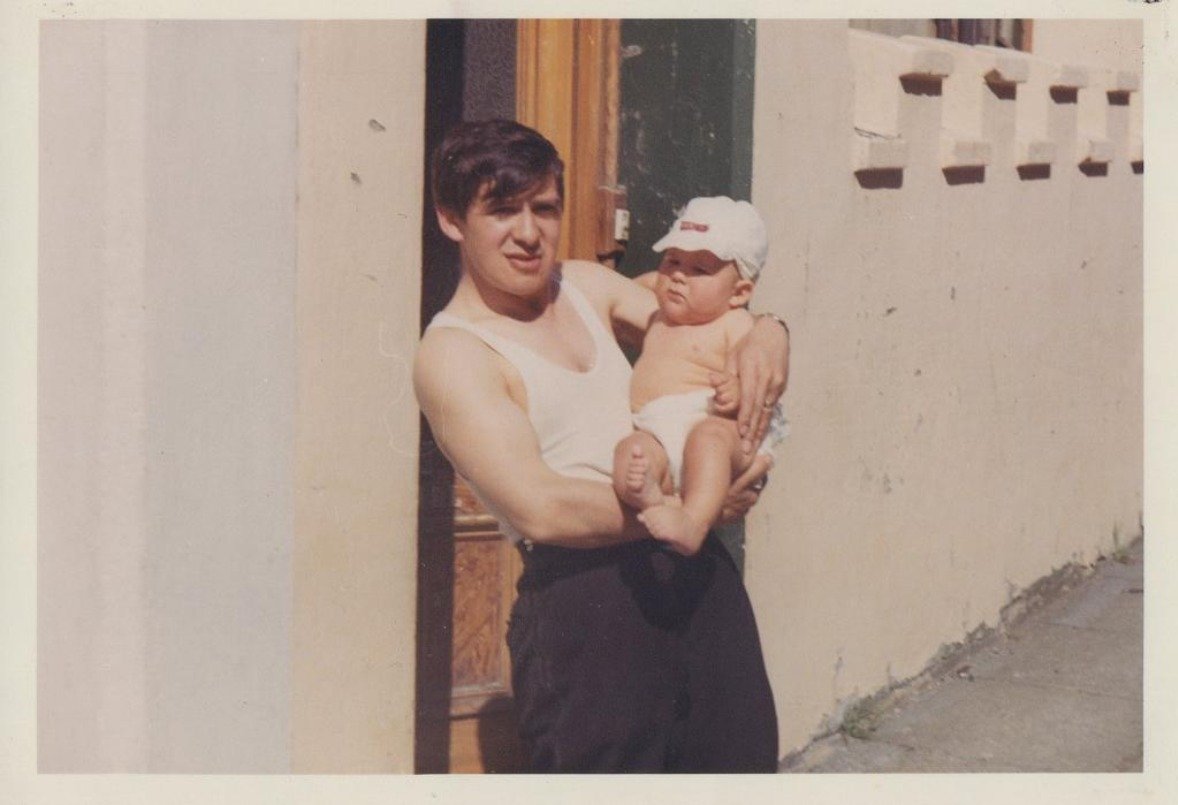
Dad and baby Michael, 1978 — colour faded → corrected
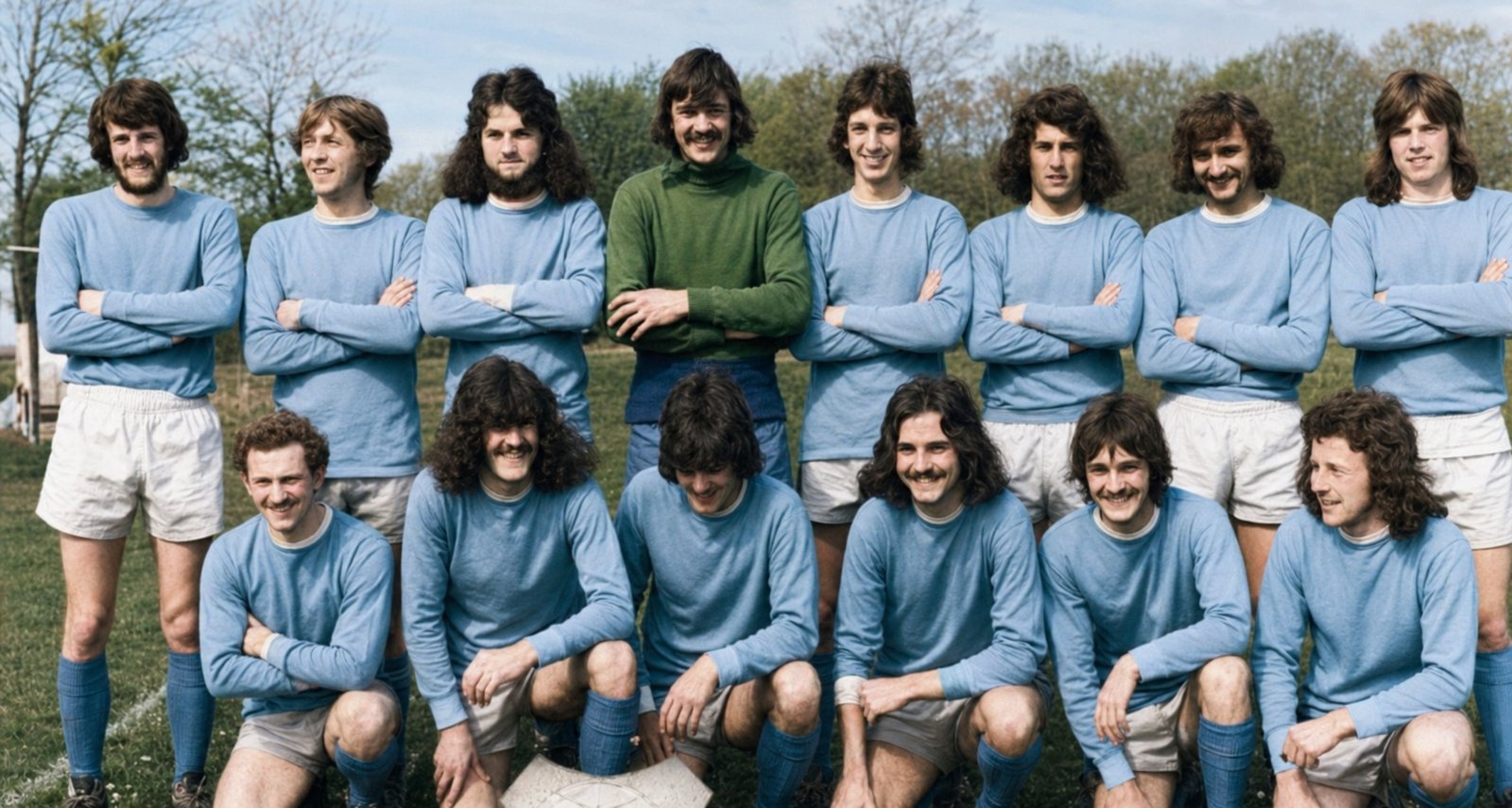
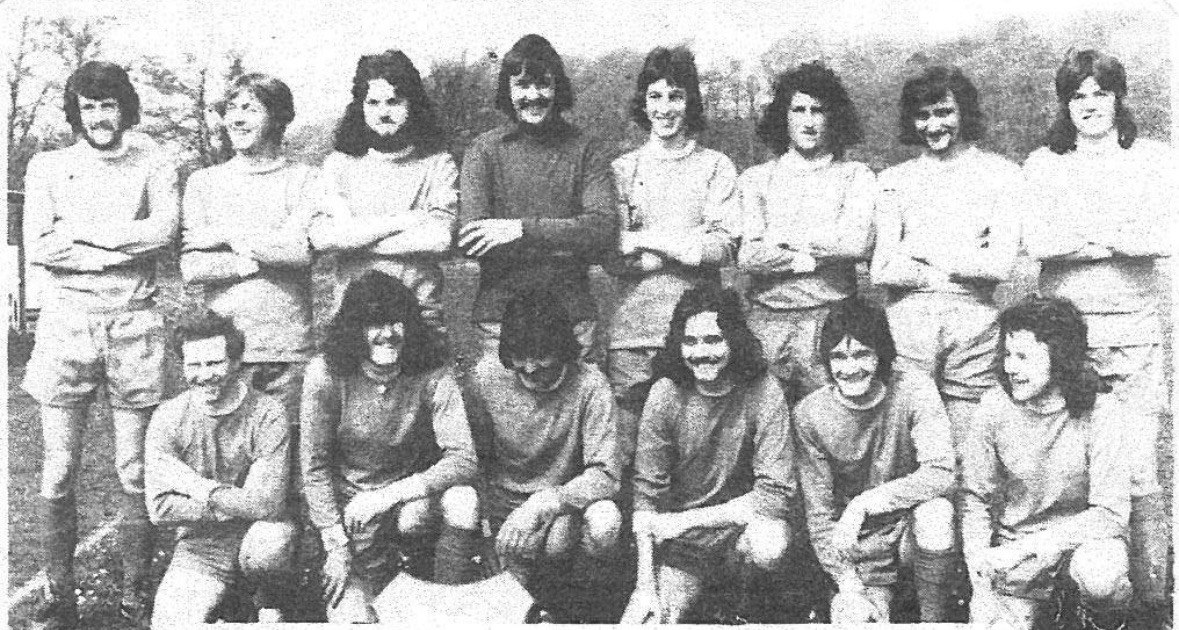
The 1973/74 team — grainy → clear and colourised
The last photograph together
"This is the last photograph we have of my aunt and uncle together. Being able to see them clearly again means more than I can say."Family customer
What we do
Choose one, or let us do all three. Every photograph is checked by a person before it comes back to you.
Repair fading, scratches, contrast and clarity while preserving the character of the original photograph.
Improve detail, sharpness and resolution so old photographs look their best on modern screens and prints.
Bring black-and-white photographs to life with natural-looking colour.Colours are intelligently estimated and may differ from the original real-world colours.
Simple pricing
Pay once for the photographs you send. The more you restore, the less each one costs.
Free first photograph
Upload one old photo and we'll show you what it could look like restored. No payment, no account, no obligation.
What families say
"Seeing these photos clearer than I've ever seen them was amazing."
Rachel, Leeds"I sent a whole album through, and the results came back excellent — and quickly too."
Tom, Newcastle"I surprised my mum with restored photos of my late father. She loved it."
Angela, CardiffTrust & privacy
We know exactly what you're sending us. We treat every photograph as though it were our own family's.
Your photographs travel to us over an encrypted connection.
Only our small restoration team ever sees your photographs.
We don't sell, publish or share your family photographs. Ever.
Say the word and everything is deleted. Otherwise we remove files after 90 days.
Real people in the UK, reachable by email.
Not quite right? We'll rework it free, or refund you.
Questions
You send us your photograph, we carefully repair the damage, improve the clarity and — if you'd like — add natural colour. You get a high-resolution digital copy back, ready to print or share.
Yes. Colourisation is optional on every order, and we'll always send you the restored black-and-white version too.
No — and we'd never claim otherwise. Colours are carefully estimated to look natural and believable, but they may differ from the real colours of the day.
Usually, yes. Scratches, creases, tears, water marks, foxing and missing corners can all be repaired. Very severe damage may be improved rather than fully removed — we'll tell you honestly before you pay.
Absolutely, and most people do. Lay the photograph flat, avoid shadows and flash, and fill the frame.
Most orders come back within two to three working days. A single free photograph is usually ready within 24 hours.
Your files stay in your private order for 90 days so you can download them again, then they're deleted. You can ask us to delete everything sooner at any time.
Tell us what isn't right and we'll rework it free of charge. If you still aren't happy, we'll refund you in full.
Bring your old photographs back to life.
Restore my photosFrom £1 per photo · No subscription
This button is a placeholder. Set STRIPE_LINKS[""] in the script at the bottom of this file to a real Stripe Payment Link URL, and it will redirect straight to checkout. See the comment block in the code for setup steps.